Stage 5 — After Approval
After Obtaining Taftotita
What to update after receiving your ID: driving license, logbook, social insurance, tax, GESY
After obtaining your taftotita, you need to update your details in several places.
Road Transport Department
Social Insurance
This is also done at ΚΕΠ. You can book an appointment online (under Social Insurance Services, select Change of Personal Information for SIS) or by phone at 22309100.
You can fill out the form in advance — download form. It is in Greek, but staff usually help fill it out on the spot. Your Social Insurance Number remains the same; they just update your details in the database.
Tax Office
You need to update your registration details in the tax register by submitting form T.D.2003 — download form along with a filled-in example (or check details on the official website).
It’s enough to fill in only sections A and H.
You can submit the completed form and a copy of your new taftotita in two ways:
-
Via the Tax For All (TFA) personal account (recommended method):
- Go to the “Inbox” section and click “New Message”.
- Select message parameters:
- What is your enquiry about? — Forms
- Select your topic: — Change of Circumstances – TD 2003
- Does your enquiry relate to a specific tax account? — No
- Message details: write TD2003
- Attach the completed T.D.2003 form, a scan of your taftotita, and send the message.
-
By email to the tax office of your district (send the completed form and a copy of your taftotita):
- Limassol: [email protected]
- Nicosia: [email protected]
- Larnaca: [email protected]
- Paphos: [email protected]
GESY
To transfer your medical history and data to your new documents, you need to create a new account and link it to your old profile:
Step 1. Notify support
Call GESY support at 22017000 (see GESY Contact Us) and inform them that you are going to register a new account with a Cypriot ID and link it to your old profile.
Step 2. Create a new account
Create a new GESY account on the registration page.
If you want to use your previous email, temporarily change it in your old account first. GESY does not allow the + character in email addresses, but for Gmail accounts, you can add a dot: e.g. use [email protected] instead of [email protected].
Step 3. Register (Enrollment)
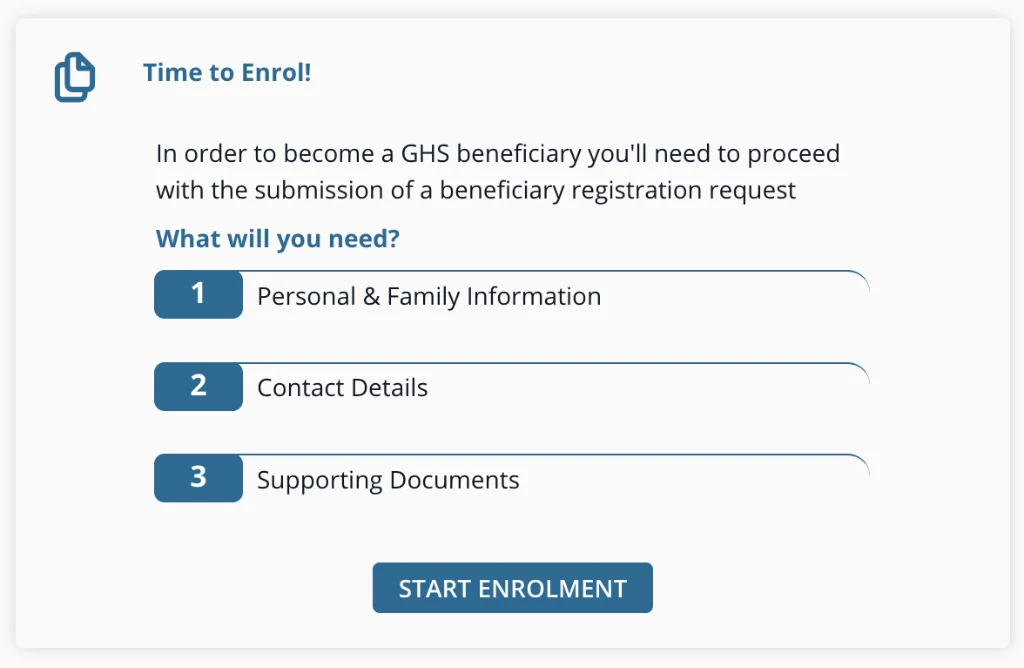
Click the START ENROLMENT button and enter your new details with your Cypriot ID (Tautotita).
Step 4. Connect to your doctor
Select a personal doctor and contact them (call) to confirm your request in the system.
Step 5. Link your accounts (Link Your Record)
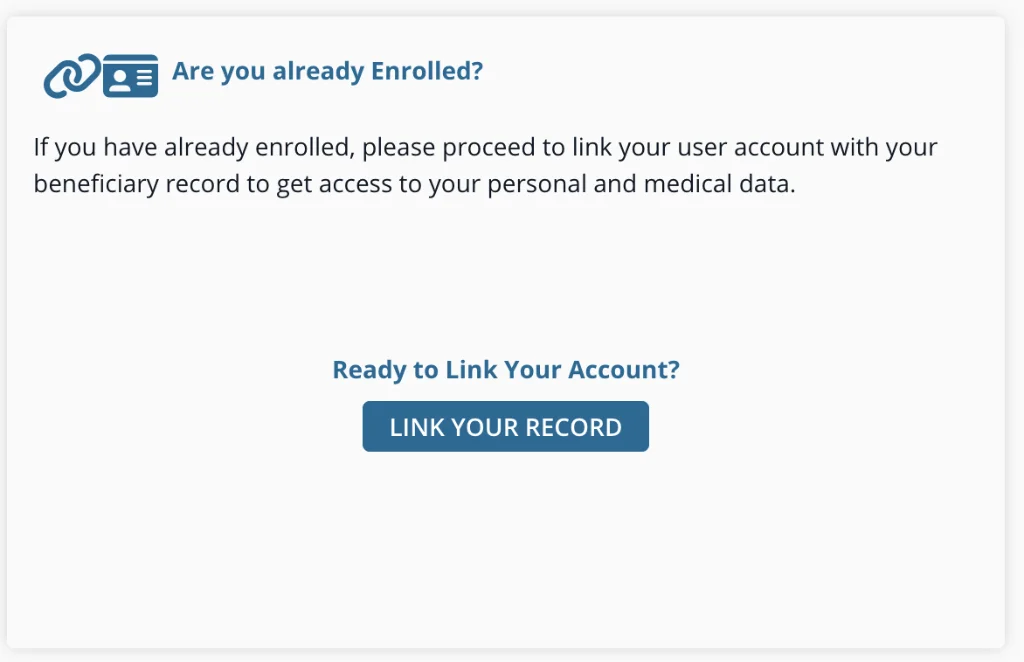
Once the doctor confirms the request, log in to your new account and click LINK YOUR RECORD.
Ask the doctor to generate verification codes. The doctor will tell you the first code, and the second code will be sent to your email. Enter both codes in your personal account. The codes are only valid for 24 hours.
Step 6. Wait for data migration
Your visit history and prescriptions will automatically migrate to the new account within a few days. If this does not happen, call the support center at 22017000 again.
Cyprus Government Gateway (Ariadni)
If you had an account on cge.cyprus.gov.cy, you can’t simply update your details in it — you need to create a new citizen account, first releasing your phone number and email from the old one. The procedure is as follows:
- Unlink the old account — de-enrol all connected services and disable SMS 2FA:
- Send an email to [email protected] — it must be sent from the email linked to the account.
- Attach a copy of your old ARC and the completed form — download the form, filled-in example.
- See details in the official FAQ.
Example email
Subject: Request to disable SMS 2FA
Hello,
Please disable SMS 2FA and remove the attached phone number from my old account. I need to release this number to use it with my new profile.
ARC: [ARC]
Phone number to be removed: [PHONE NUMBER]
Thank you.
-
Release your email — in the old account settings, change it to a temporary one.
- If you use Gmail, an address with a plus sign works, e.g.
[email protected].
- If you use Gmail, an address with a plus sign works, e.g.
-
Create a new account:
- Enter your phone number (once it has been released following your email) and your previous email (if you changed it to a temporary one in the old account).
- Verify the account via your banking app.
- Enrol the services you need again.